
Mark the PDF so the next person knows what matters.
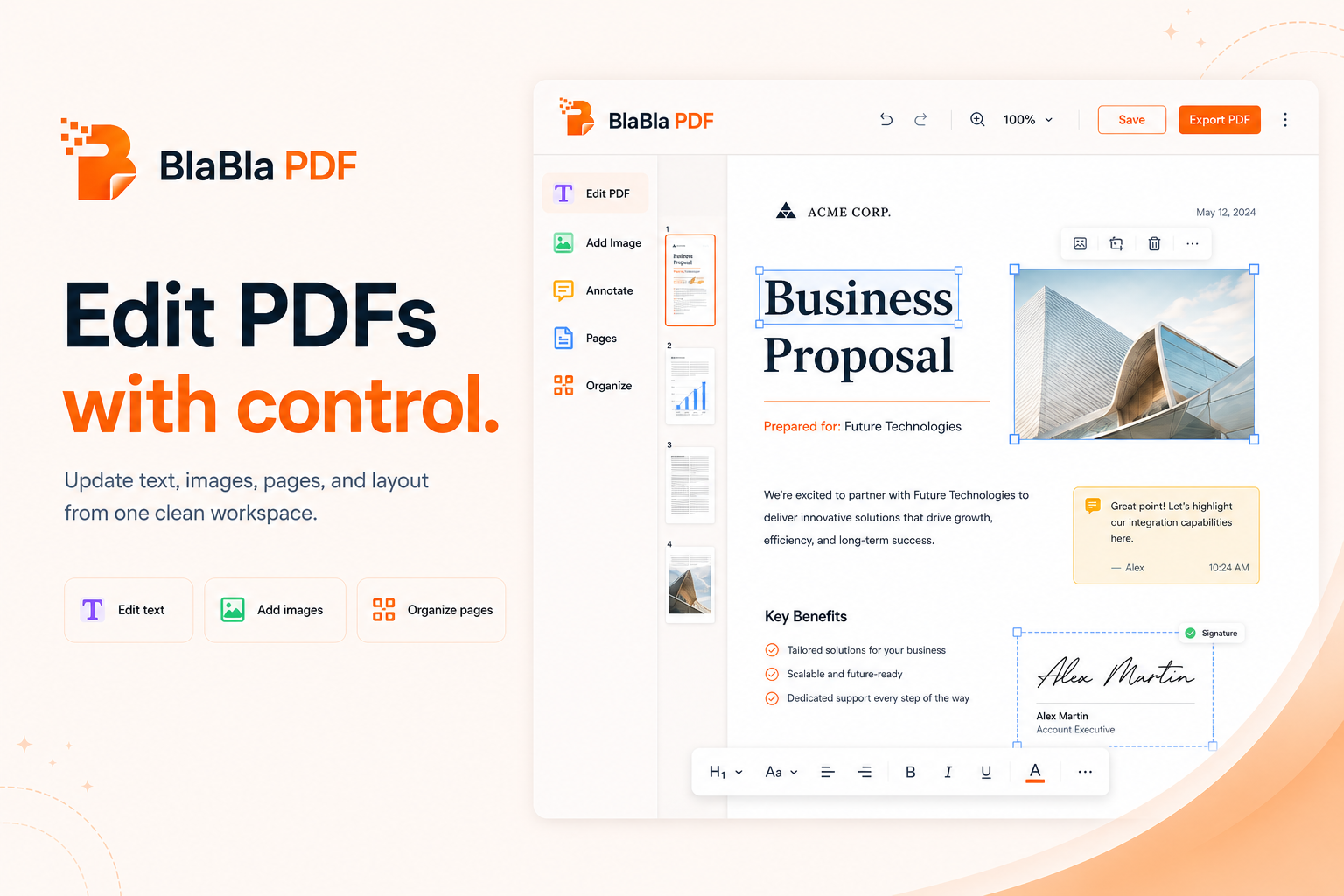
Add notes, marks, highlights, shapes, and review cues directly onto a PDF page.
Feedback hidden in an email thread is how documents become archaeological sites.
Open the PDF, add visible annotations, and export a marked copy.
No upload-first habit
For standard PDF tools, file content is processed locally in your browser instead of starting with a cloud upload.
Simple flow
Choose the job, adjust the settings, and download a new output file. The original stays where it was.
Real PDF work
The toolbox covers everyday fixes and heavier document cleanup without turning every PDF into an installation project.
annotate PDF
BlaBla PDF lets users add visible annotations, notes, marks, and highlights to a PDF before exporting a new output file.
People also search for
Good to know
BlaBla PDF creates new output files for standard tools. Review the result before sending, especially when files are scanned, encrypted, flattened, or layout-heavy.
Advanced PDF tools without the upload.
No giant desktop suite. No tiny one-button tool hunt. Just a browser-light path for serious PDF work.