
Edit PDFs in the browser without installing a heavyweight PDF suite.
Add text, images, visible signatures, annotations, pages, stamps, and marks in an in-browser PDF editor built for real document work, not software ceremony.


A full desktop suite is overkill for a file that needs a note, a signature, a missing image, a page fix, or a cleaner final copy. Open the PDF, work on it, and keep moving.
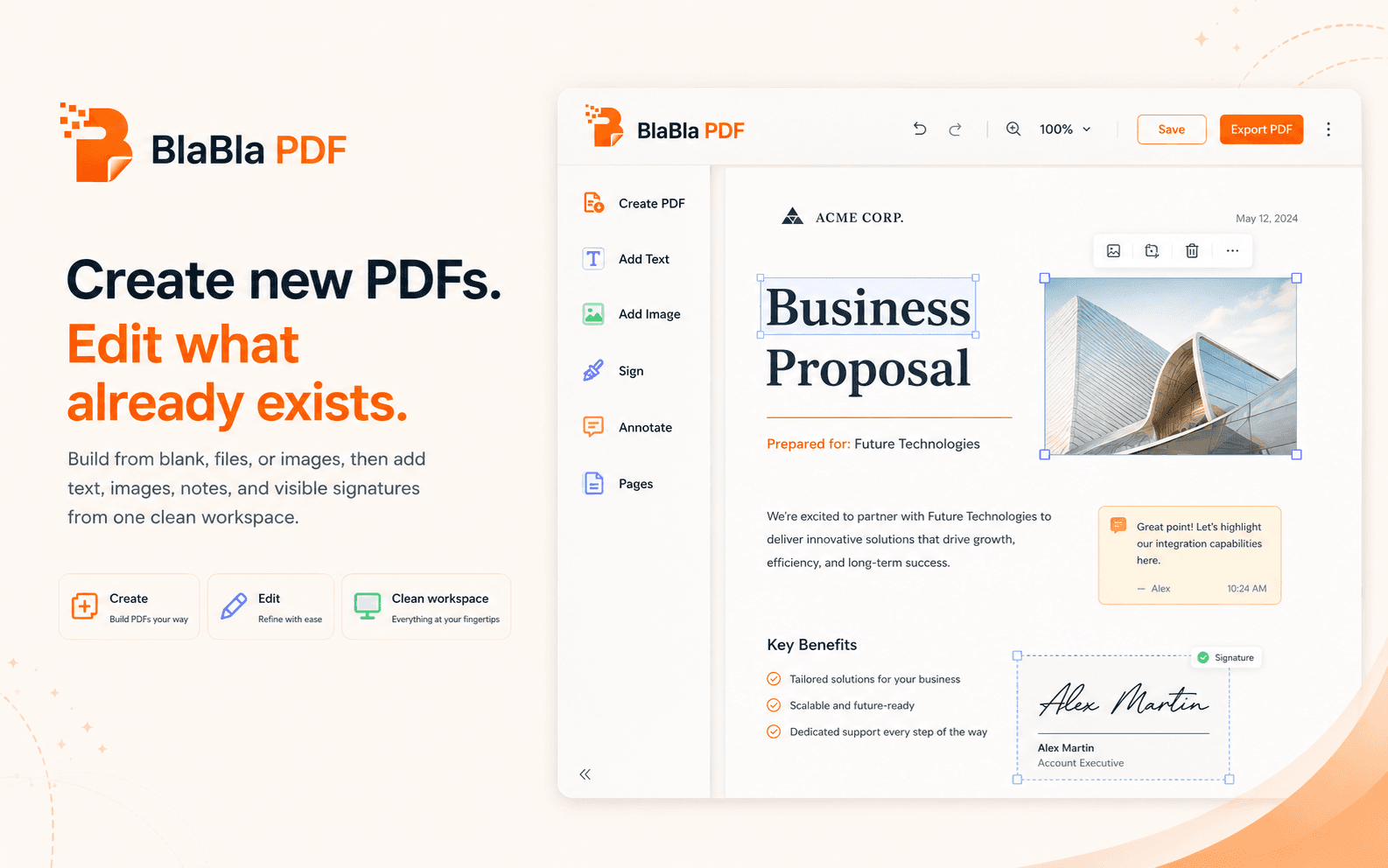
Add what is missing. Mark what matters. Keep the original safe.
PDFs are not always friendly. Some are scans, some are flattened, and some behave like digital concrete. BlaBla PDF focuses on visible edits, clear review, and a new output file.
Create from a blank page
Start fresh when the file you need does not exist yet. Add text, images, signatures, notes, shapes, and pages in one workspace.
Edit an existing PDF
Open the document, write where needed, insert images, add marks, and prepare a cleaner version without rebuilding from zero.
Sign and annotate
Place a visible signature, add review notes, highlight important areas, and make the next step obvious.
Work with pages and objects
Move through the document, place content carefully, arrange pages, and review the final result before sending.
Useful, not magical. That is better.
Some PDFs are image-only scans or locked exports. BlaBla PDF helps you add visible content, marks, signatures, annotations, and page changes. Always review the exported file before sharing it.