
19 in-browser PDF tools for merge, split, compress, convert, and protect.
Compress PDF files, merge PDFs, split PDF pages, rotate pages, convert files, protect documents, unlock PDFs, inspect metadata, redact text, watermark, stamp, and clean PDFs in your browser. The flow is simple, but the toolbox is not tiny.


The portal wants a smaller file. The client sent five documents instead of one. A page is sideways. The metadata still has someone else’s name. BlaBla PDF keeps those fixes close.
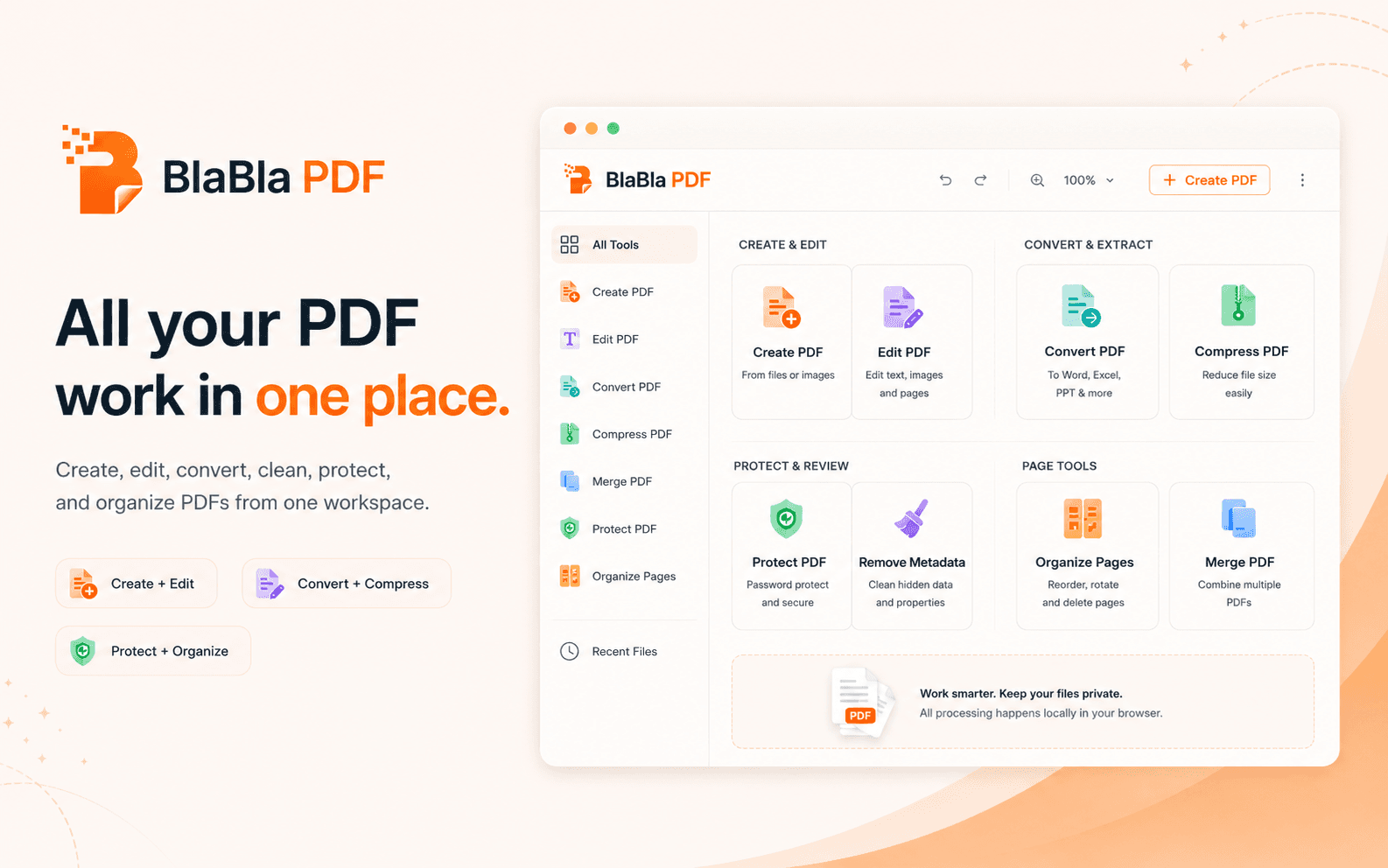
A wider toolbox for the jobs around the document.
Use focused tools when the task is smaller than a full editor session: conversion, privacy cleanup, protection, page work, compression, and batch preparation.
Convert and optimize PDFs
Change the file into the format or size the next step expects: images to PDF, PDF conversion, compression, and flattening without a heavyweight PDF suite.
Inspect and clean PDFs
Check what a file may reveal before it travels: inspect properties, scan for sensitive patterns, and remove common hidden metadata.
Redact and protect PDFs
Black out visible matching text, add protection, unlock files you are allowed to process, and mark PDFs with watermarks or stamps.
Organize pages and batches
Build clean document packets with merge, split, page order, page removal, rotation, numbering, Bates numbering, and batch tools.
All PDF tools. (19)
Every entry is a practical PDF job, not decorative software furniture.
Images to PDF
Convert JPG, PNG, WebP, scans, receipts, screenshots, and photo documents into a clean PDF file from your browser.
PDF toolPDF Converter
Convert PDFs and supported files for uploads, archives, handoffs, images, text extraction, and document workflows.
PDF toolCompress PDF
Reduce PDF file size for email, upload portals, storage, and handoff without sending the document to an upload-first service.
PDF toolFlatten PDF
Flatten form fields and interactive layers where possible so the outgoing PDF behaves more like a final document.
PDF toolPrivacy Scanner
Scan extractable PDF text for patterns such as emails, phone-like numbers, IBAN-like strings, VAT labels, tax labels, and card-like numbers.
PDF toolInspect PDF
Review page count, file size, metadata signals, form fields, encryption signals, text signals, image signals, and parser notes.
PDF toolRemove PDF Metadata
Remove common metadata fields such as title, author, subject, keywords, creator, dates, and document info where available.
PDF toolRedact PDF
Find visible text patterns in extractable PDFs and draw redaction boxes over matching content in a new output file.
PDF toolProtect PDF
Create a password-protected output file for documents that need an extra access step.
PDF toolUnlock PDF
Use the known password to create an unlocked output file when you have permission to work with the document.
PDF toolWatermark PDF
Add a visible watermark such as Draft, Confidential, Sample, or Internal to pages before sharing.
PDF toolStamp PDF
Stamp PDFs with review, approval, payment, draft, or handling marks for cleaner document handoff.
PDF toolMerge PDF
Combine related PDF files, order them, and download one merged output for upload, archive, or handoff.
PDF toolSplit PDF
Split one PDF into single pages, selected ranges, or extracted page sets, then download the result as a new file or ZIP.
PDF toolReorder PDF Pages
Move pages into the right order and download a new PDF without changing the original file.
PDF toolRemove PDF Pages
Remove unwanted pages and download a cleaner PDF copy for upload, archive, or sharing.
PDF toolRotate PDF
Rotate all pages or selected page ranges by 90, 180, or 270 degrees and download a corrected PDF.
PDF toolPage Numbers and Bates
Add page numbers or Bates-style numbering to PDF pages for review, filing, packets, and document handoff.
PDF toolBatch PDF Tools
Run repeated split or rotate operations across multiple PDFs and download organized ZIP output.
PDF toolA PDF tool should not force a bad choice.
Small tools are often too limited. Heavy suites are too much. Upload-first services move the file away before work begins. BlaBla PDF takes the third path: advanced PDF tools in a simple browser flow.