
Choose the job. Fix the PDF. Download a new file.
BlaBla PDF keeps the common PDF workflow simple: pick the tool, review the settings, create a new output file, and keep the original untouched.


BlaBla PDF keeps the common PDF workflow simple: pick the tool, review the settings, create a new output file, and keep the original untouched.
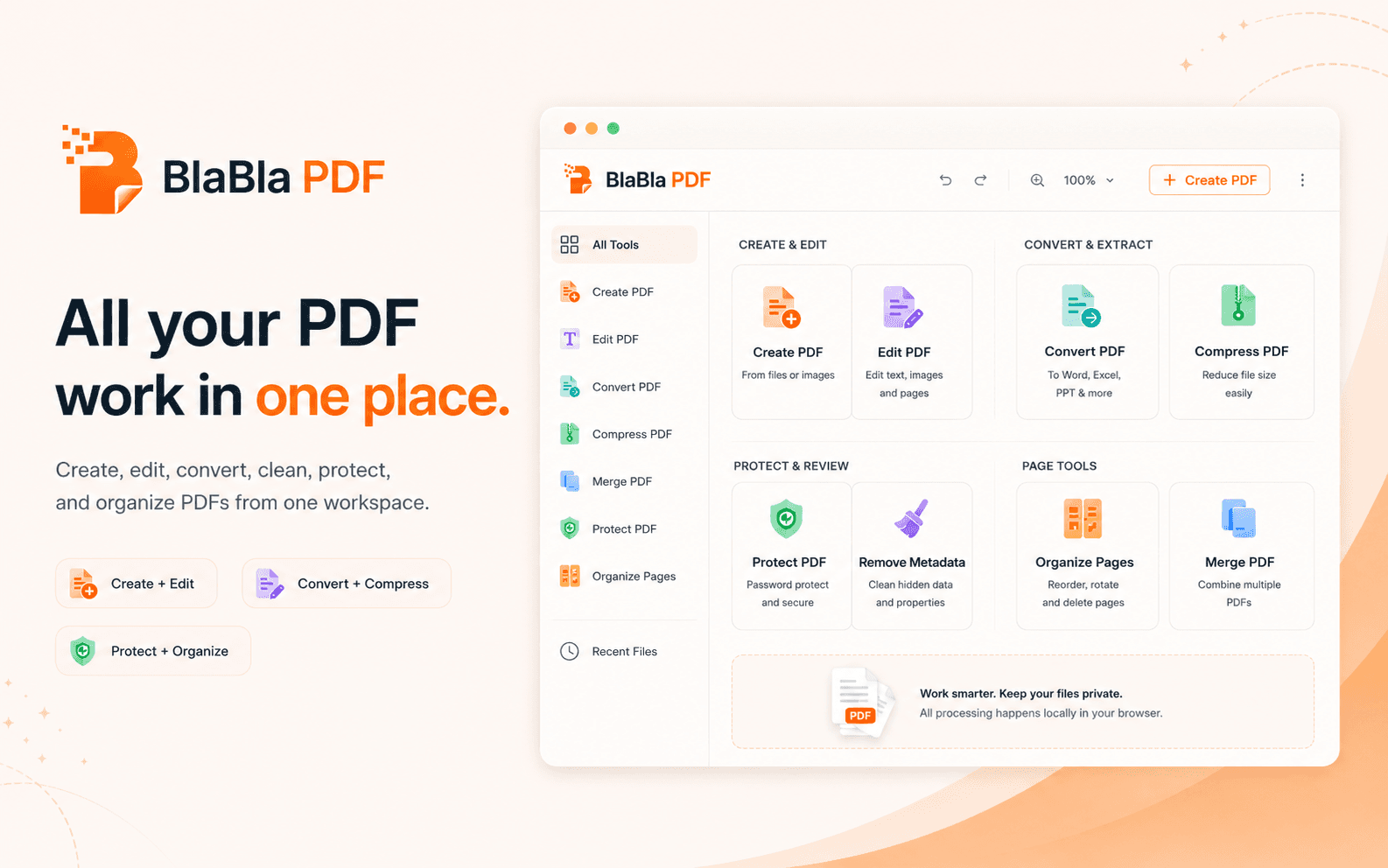
Choose the job. Fix the PDF. Download a new file.
Choose the PDF job
Pick the task: create, edit, sign, compress, merge, split, rotate, convert, protect, clean, inspect, or organize.
Select the local file
Choose a file from your device. Standard PDF tools are designed to process file content in the browser where supported.
Review the settings
Adjust pages, output type, compression, password, metadata cleanup, stamp text, or other tool settings before the file is created.
Download a new file
BlaBla PDF creates a new output file. Your original file stays as it was unless you replace it yourself outside the product.
One simple flow for very different PDF jobs.
The same rhythm works across the product: choose the job, review the setup, and download a clean result.
Convert and optimize PDFs
Change the file into the format or size the next step expects: images to PDF, PDF conversion, compression, and flattening without a heavyweight PDF suite.
Explore PDF toolsInspect and clean PDFs
Check what a file may reveal before it travels: inspect properties, scan for sensitive patterns, and remove common hidden metadata.
Explore PDF toolsRedact and protect PDFs
Black out visible matching text, add protection, unlock files you are allowed to process, and mark PDFs with watermarks or stamps.
Explore PDF toolsOrganize pages and batches
Build clean document packets with merge, split, page order, page removal, rotation, numbering, Bates numbering, and batch tools.
Explore PDF toolsProductivity. Simplicity. Privacy. PDFs handled properly.
The point is not to admire a PDF tool. The point is to fix the file and get back to the work that actually matters.