
Turn scattered images into one PDF packet.
Convert JPG, PNG, WebP, scans, receipts, screenshots, and photo documents into a clean PDF file from your browser.
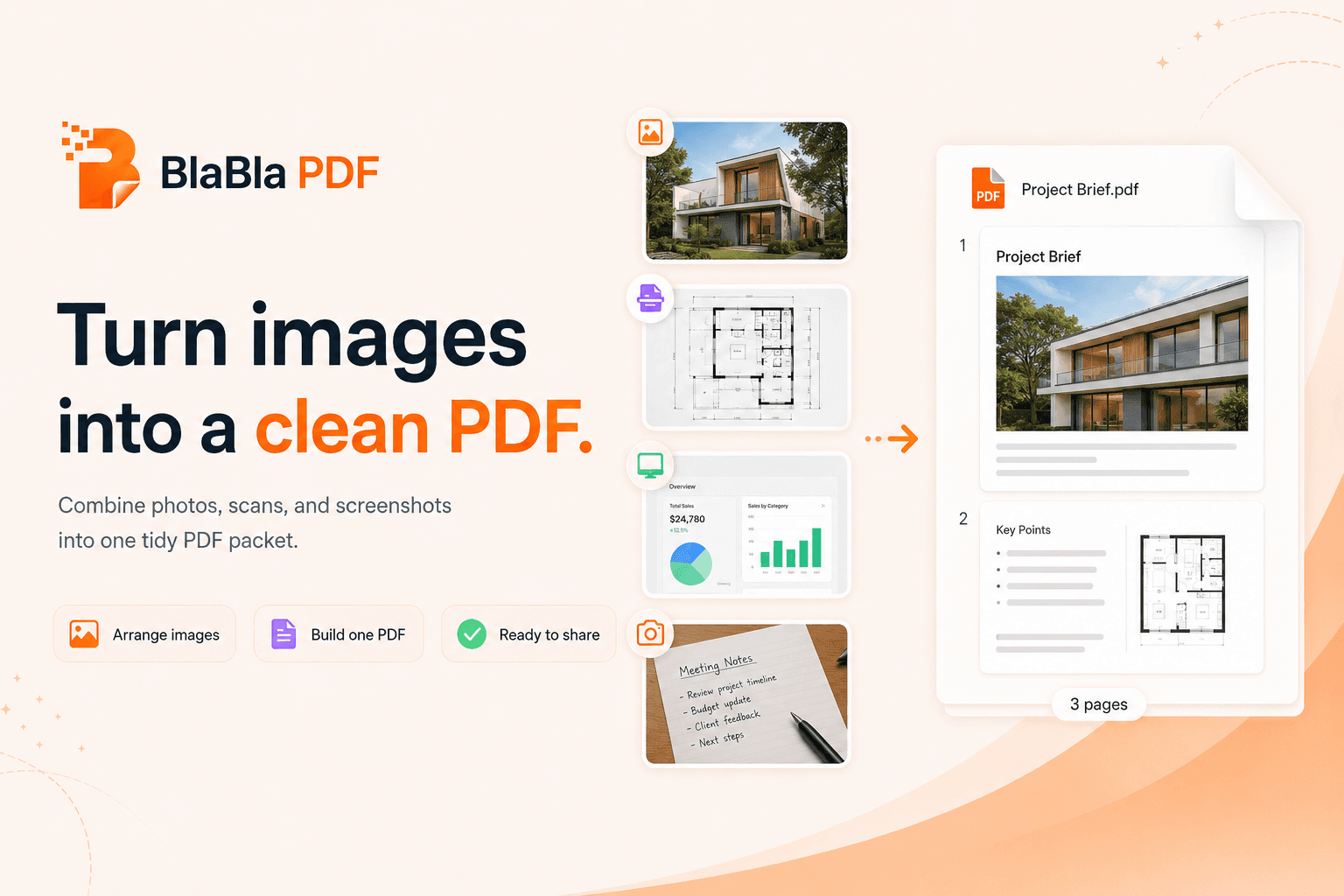


Photos are easy to take and annoying to send as a document.
Choose the images, order them, set the page format, and download a new PDF.
No upload-first habit
For standard PDF tools, file content is processed locally in your browser instead of starting with a cloud upload.
Simple flow
Choose the job, adjust the settings, and download a new output file. The original stays where it was.
Real PDF work
The toolbox covers everyday fixes and heavier document cleanup without turning every PDF into an installation project.
images to PDF
BlaBla PDF lets you convert local images into a new PDF by selecting files, ordering pages, choosing format settings, and downloading the finished PDF.
People also search for
Good to know
BlaBla PDF creates new output files for standard tools. Review the result before sending, especially when files are scanned, encrypted, flattened, or layout-heavy.
Useful claims, honest limits.
This is the difference between good marketing and a PDF trapdoor with teeth.
Safe claims
- • Creates a new PDF output file
- • Supports common image formats
- • Original image files stay unchanged
Limitations
- • Image quality depends on the source files
- • Very large image sets can create large PDFs
Related tools
Advanced PDF tools without the upload.
No giant desktop suite. No tiny one-button tool hunt. Just a browser-light path for serious PDF work.