
Take the pages you need and leave the rest behind.
Split one PDF into single pages, selected ranges, or extracted page sets, then download the result as a new file or ZIP.
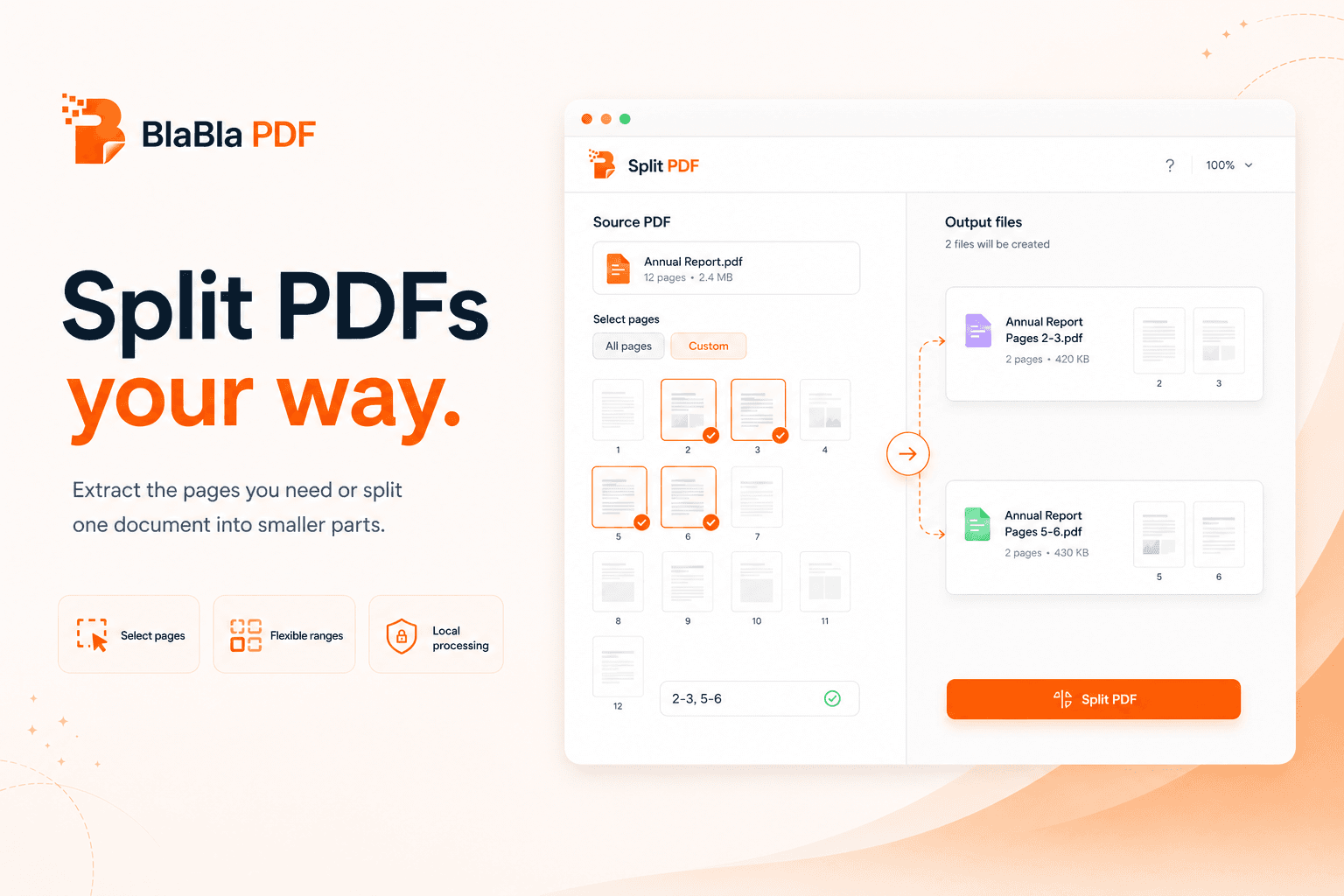


Sometimes the useful part of a PDF is hiding inside 47 pages of baggage.
Choose pages or ranges, split the file, and download the output.
No upload-first habit
For standard PDF tools, file content is processed locally in your browser instead of starting with a cloud upload.
Simple flow
Choose the job, adjust the settings, and download a new output file. The original stays where it was.
Real PDF work
The toolbox covers everyday fixes and heavier document cleanup without turning every PDF into an installation project.
split PDF
BlaBla PDF can split a PDF into single pages, ranges, or extracted pages and download the result as a new PDF or ZIP.
People also search for
Good to know
BlaBla PDF creates new output files for standard tools. Review the result before sending, especially when files are scanned, encrypted, flattened, or layout-heavy.
Useful claims, honest limits.
This is the difference between good marketing and a PDF trapdoor with teeth.
Safe claims
- • Supports page ranges
- • Can output ZIP for multiple files
- • Original file stays unchanged
Limitations
- • Password-protected PDFs may need unlocking first
- • Range input must match the document page count
Related tools
Advanced PDF tools without the upload.
No giant desktop suite. No tiny one-button tool hunt. Just a browser-light path for serious PDF work.