
A practical security model for browser PDF work.
Local file processing for standard tools, server-side account checks, signed entitlements, device activation, and careful admin auditing.
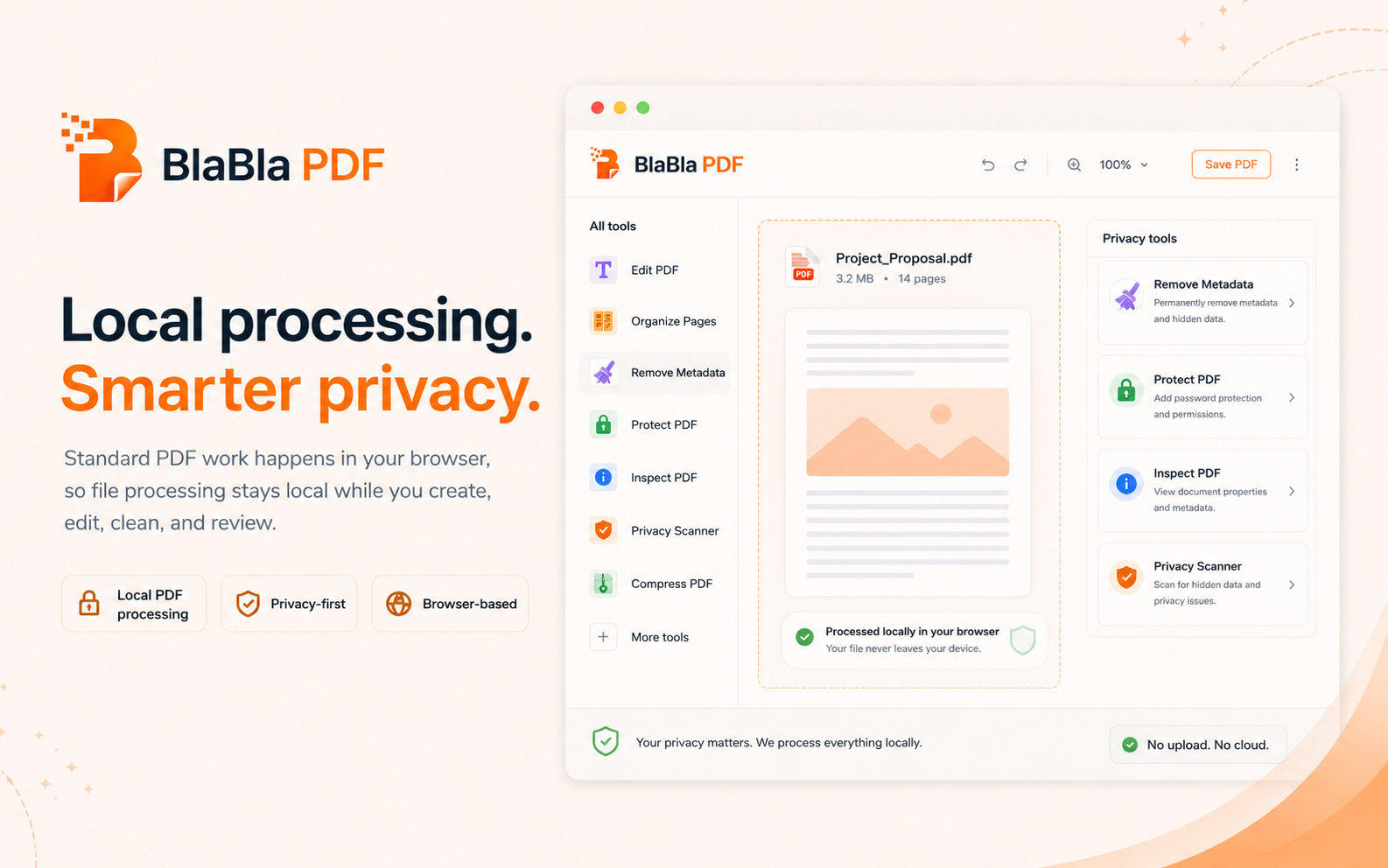
PDF privacy is not only where the file goes. It is also how access and accounts are handled.
Explain the exact boundaries so users know what is local, what is checked, and what is logged.
No upload-first habit
For standard PDF tools, file content is processed locally in your browser instead of starting with a cloud upload.
Simple flow
Choose the job, adjust the settings, and download a new output file. The original stays where it was.
Real PDF work
The toolbox covers everyday fixes and heavier document cleanup without turning every PDF into an installation project.
BlaBla PDF security
BlaBla PDF security combines local standard PDF processing with account, billing, device, and entitlement checks that run through server systems.
People also search for
Good to know
BlaBla PDF creates new output files for standard tools. Review the result before sending, especially when files are scanned, encrypted, flattened, or layout-heavy.
Everything that should be findable lives here.
Marketing pages stay sharp. Detail pages carry the boring, searchable, trust-building work.
Local file boundary
Account authentication
Device activation
Billing provider
Admin audit logs
User responsibilities
Known limitations
Advanced PDF tools without the upload.
No giant desktop suite. No tiny one-button tool hunt. Just a browser-light path for serious PDF work.